
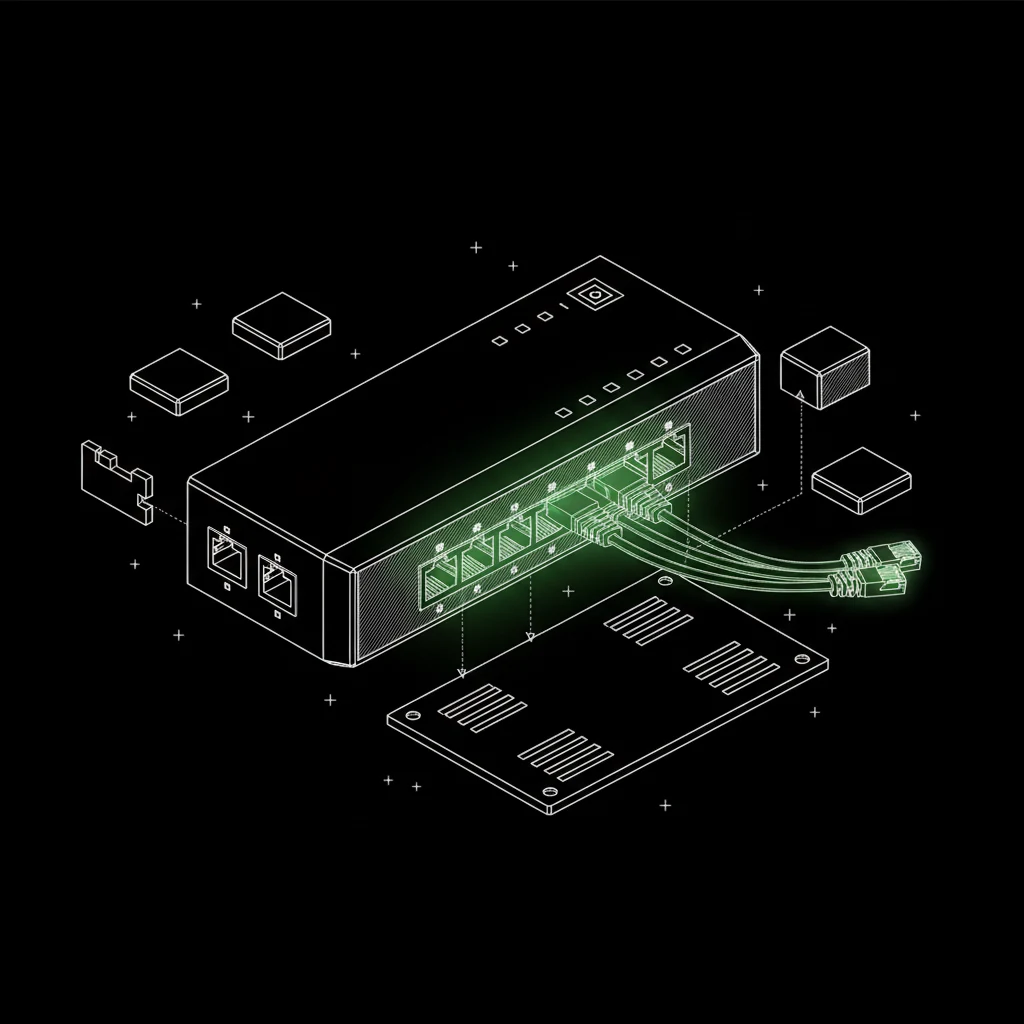
TP-Link Omada ES210X-M2
Eight fast ports and no fan. It can also split one cable into separate networks, which the Pi needs later, when it becomes the router.
A$149Umart ↗
hardware build · video series: Still Running
A home AI setup that keeps going when the power, the internet or I drop out.
Most small businesses run on one computer, one internet line and one power point. When any one of them stops, the business stops. This build fixes that one part at a time, on a small budget, where you can watch.
built by Adam Lopez-Delon · OpsCode founder · started Mon 28 Sep
the next promise
Switch on the job checks, so a stopped job sends an alert
try it
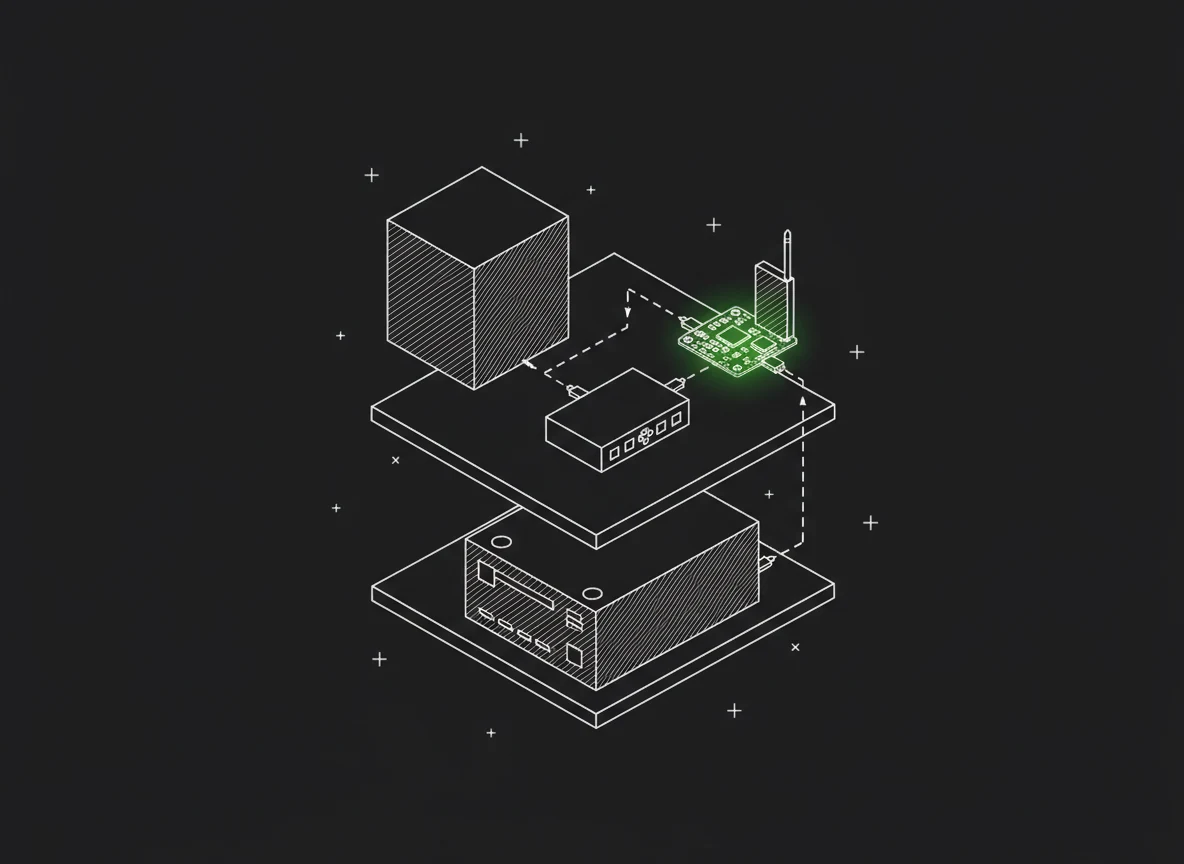
Pick a failure. The map shows what the setup does about it, one step at a time.
right now
● work and checks
● alerts and fixes
● something broke
- - - the Pi's own Wi-Fi to the plugs
the stages
Each stage gets a video. Each one shows the date we said it would ship, and the date it did.
I asked an AI what to buy next. It said a faster computer. So I checked the one I had. It was fine. The real problem: the nightly backup I set up in May had never run.
A nightly backup to the cloud, tested by restoring it. A spare memory file so the box can't run out. A check on every scheduled job, so I hear about it when one stops. Cost: nothing.
A small computer watching a big one needs its own way out. A switch, a 4G stick, a data SIM and two smart plugs. About $500, and why each part is there.
The new AI box takes over the work. The little Pi steps back and becomes the watchdog that can restart it.
A battery that holds the whole shelf up. Then I cut the power on camera and see what's still running.
The internet drops. The Pi notices in seconds and switches to its own 4G line.
NBN, 4G and satellite joined into one connection. Calls that don't drop, and the honest bit: it won't make anything faster.
the shopping list
Stage 3's parts, and why each one is there. The two dashed cards are already on the desk.
Eight fast ports and no fan. It can also split one cable into separate networks, which the Pi needs later, when it becomes the router.
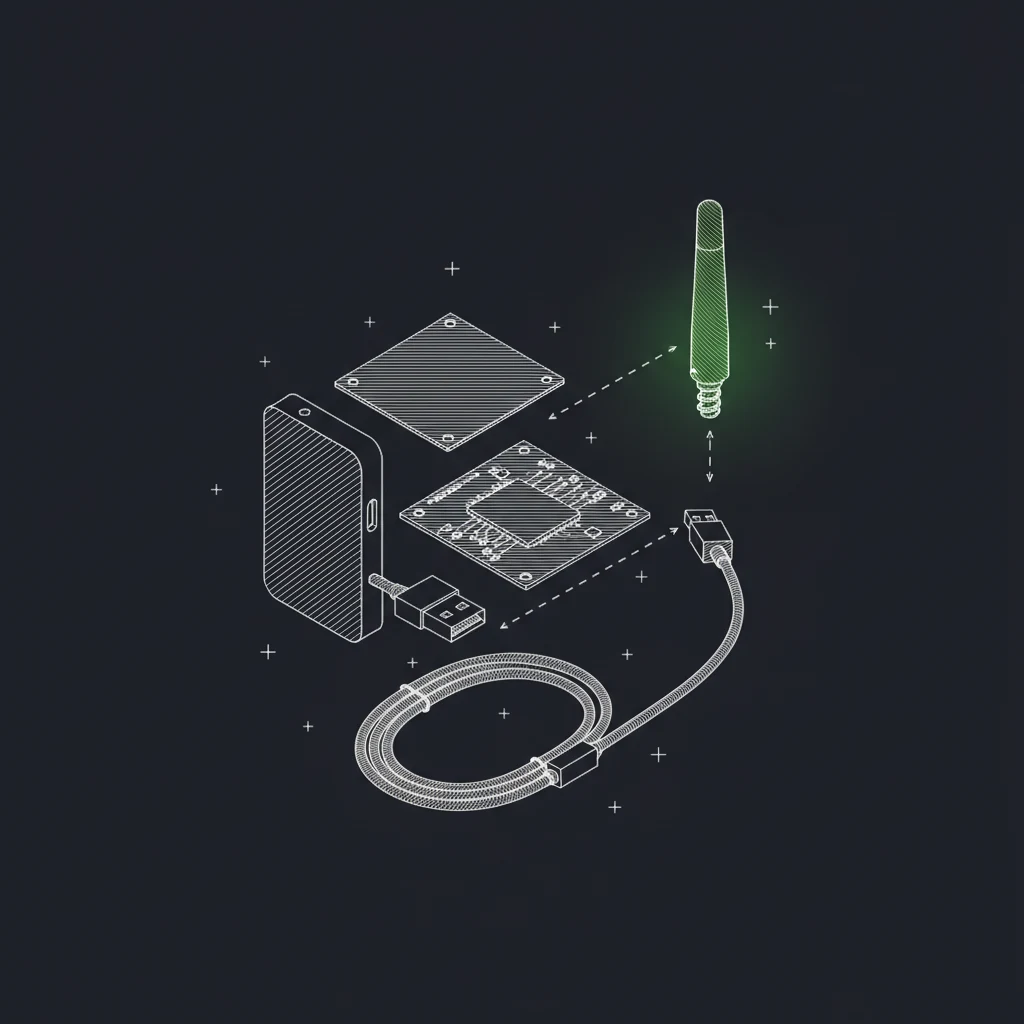
The Pi's own way out. If the internet or the router fails, the Pi can still reach you. It works on Telstra's main band, and the antenna and cable are in the box.

It runs on Telstra's network. Alerts are tiny, so a year of data is plenty. Keep your phone's SIM where it is.
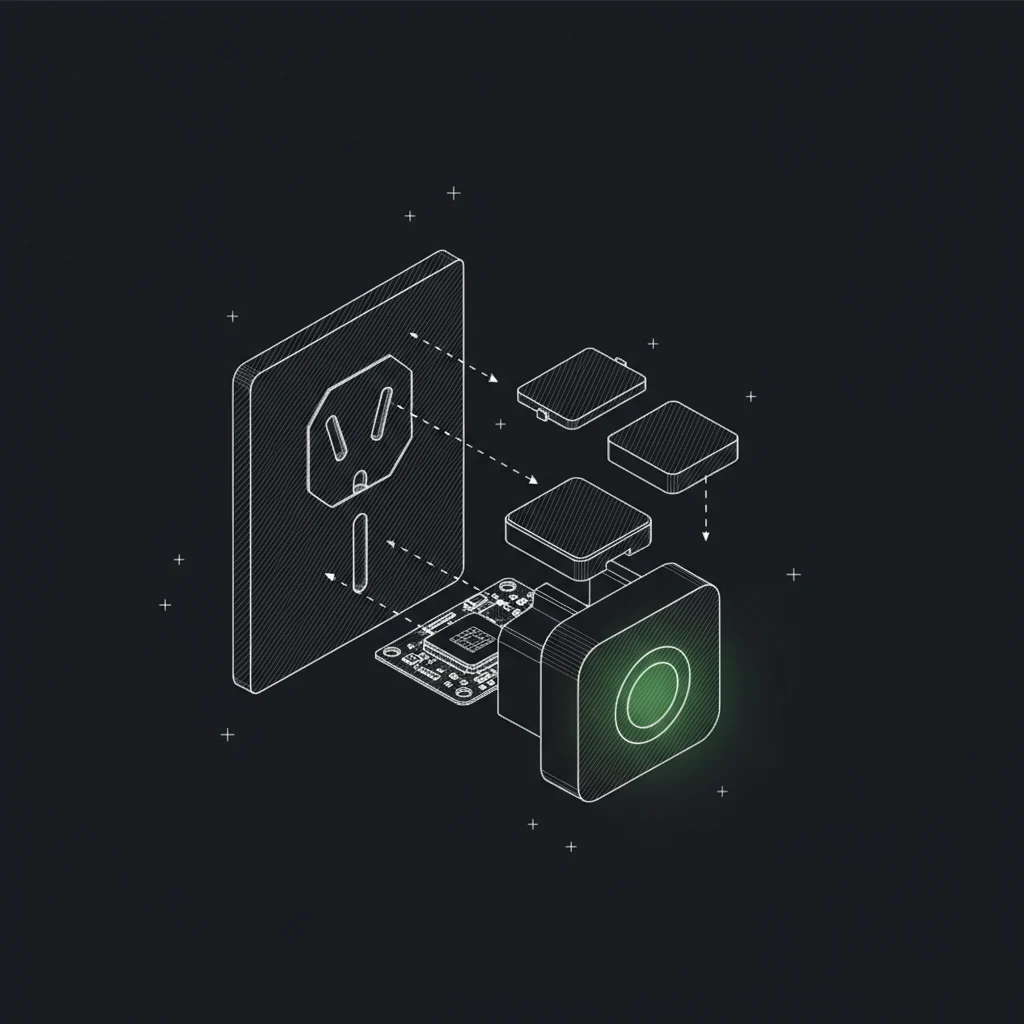
Lets the Pi turn the AI box or the router off and on. They join the Pi's own Wi-Fi, so a frozen router can't block the fix. No app or cloud account needed.

It does the real work, but it can't restart itself. Set it to turn on when the power comes back, or the smart plug can't wake it.

The small computer that ran everything until now. It draws about 5 watts, so it can keep watch for a day on a battery.
the terminal
No slides. These are the real commands from the morning the free fixes went in, with notes in green.
# stage 2: the free fixes, as they happened on 3 Oct$ systemctl list-timers pi-backup.timerNEXT LEFT UNITSat 2026-10-03 02:05:31 AEST 1h 42min pi-backup.timer# the nightly backup has run every night since 29 Sep$ swapon --showNAME TYPE SIZE USED PRIO/dev/zram0 partition 2G 0B 100/var/swap-overflow file 4G 0B 10# a 4 GB spare, only used if memory runs out$ python3 code/scripts/pi-healthchecks.py11 checks, tz Australia/Melbourne:pi-heartbeat */5 * * * * grace 10m wiredpi-backup 0 2 * * * grace 180m wiredzoom-drain * * * * * grace 10m wiredemail-agent */15 * * * * grace 30m wiredsession-loop 41 17 * * 1-5 grace 90m wired...and six more# every job reports in now. Silence means trouble
the lesson
Try this on your own setup. List every way an alert gets out to you. For each one, ask: does this go through the thing I'm watching? Every yes is a failure you won't hear about.
build your own
Book 30 minutes with our team. We'll look at what your business runs on, and what stops it when one part fails.